The Library
Quip
MembersBuild-verifiedClaude Sonnet 4.6This prompt was scaffolded from scratch by Claude Sonnet 4.6 into a compiling, running app — verified, not just a screenshot.Vite + React + TS + TailwindThree replies. Pick your vibe.
mobileaidatingassistantchatreplywingmanmessagingscreenshotlightwarmcoralplayfulonboardingpaywall
How the prompts work
Preview
▒ best build path
Standard web or mobile UI
Use first
Lovable
Bolt
v0
Also works
Cursor
Codex
Claude Code
Use app builders from zero. Use coding agents when this design is going into an existing repo. Paste the full Library prompt first, then compare the result against the live demo.
01Dropv1
↳ 402 × 874 · iPhone 15 Pro
02Replies
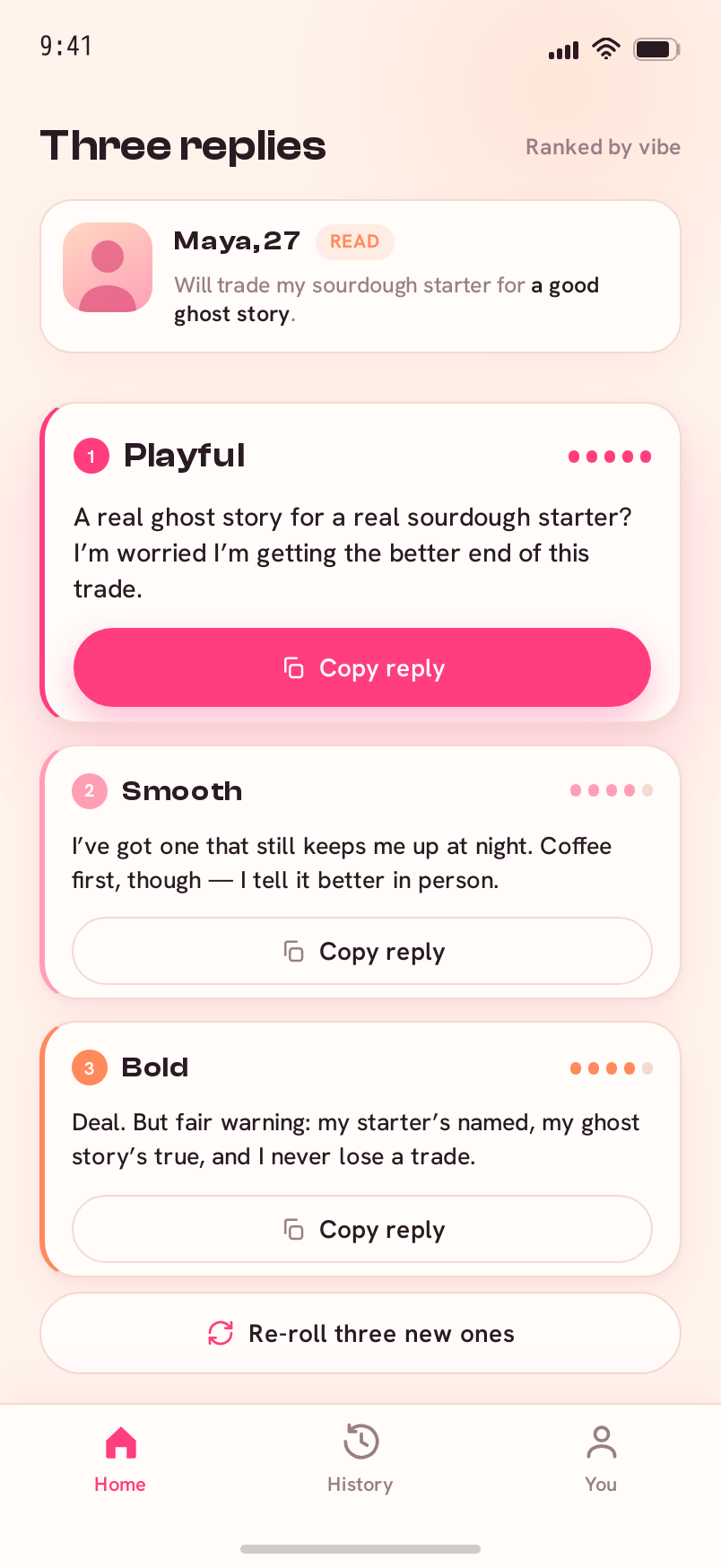
Members only
↳ 402 × 874 · iPhone 15 Pro
03Paywall
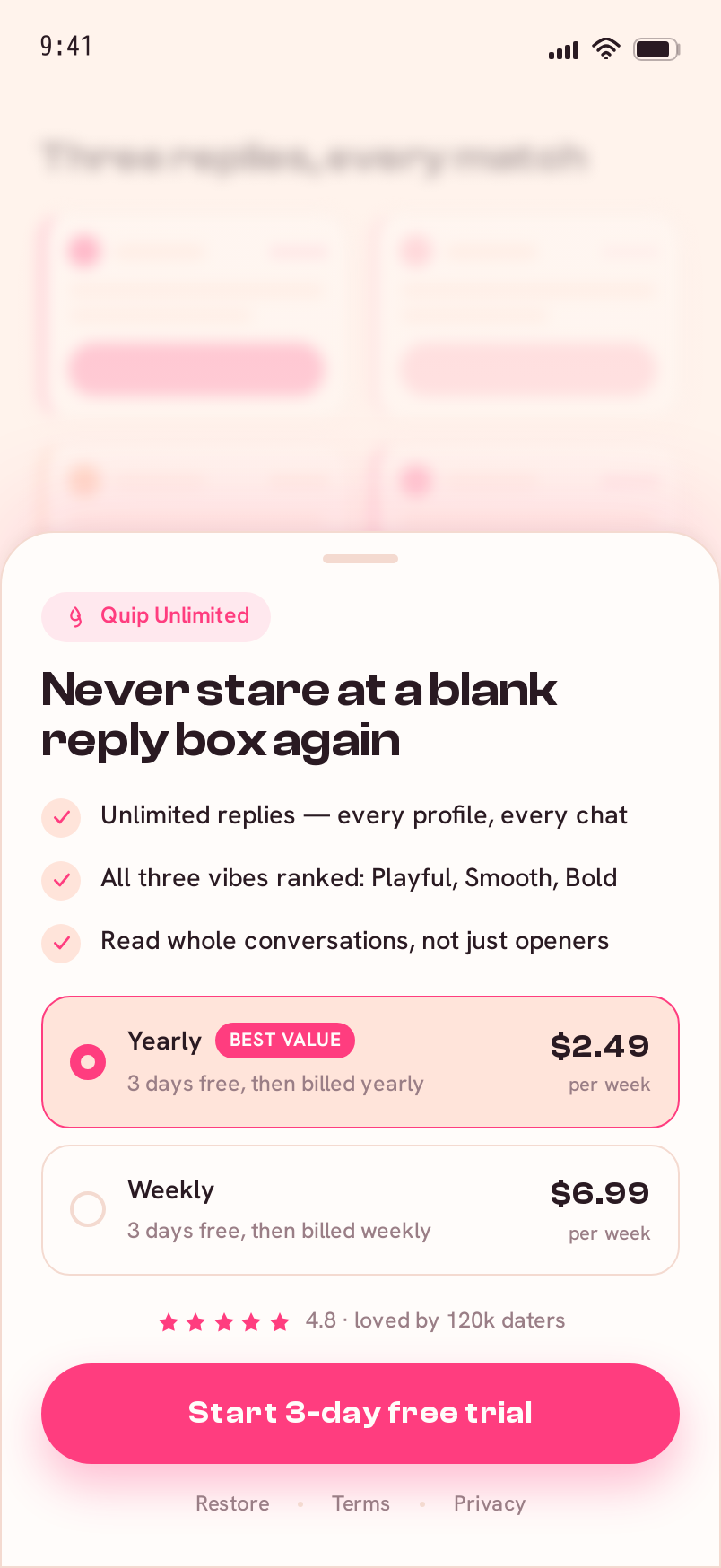
Members only
↳ 402 × 874 · iPhone 15 Pro
▒ design recipe — Quip
Fonts
Clash DisplayHanken Grotesk
Palette
--background--foreground--card--primary--accent--secondary--muted-foreground--border
Motion
The Ranked Fan-Out — a coral->apricot scan beam sweeps the match screenshot once (the read, leaving a coral underline on the hook line), then three reply cards fan up from behind in a shallow arc (-6/0/+6 deg, 70ms stagger) and flip up to face the user, settling as a vertical stack ranked #1 Playful -> #2 Smooth -> #3 Bold; #1 lands proud. One-tap Copy = coral fill-wipe + 'Copied'.
Screens
4 screens included
Portable prompt
# Quip
Implement the screens below using the design system tokens...
## DESIGN SYSTEM
- Name: Quip
Unlock the recipe that rebuilds this design
Get the live design, exact tokens, assets, per-screen prompts, and one full prompt for Lovable, Bolt, Cursor, v0, Replit, Claude Code, Codex, or v-1.
One payment · founding price from $49 · no subscription
▒ design handoff
What do you get with the Quip design?
The Quip ai design ships as a finished visual system plus the exact AI-builder prompt to rebuild it. You get the design direction, screen set, assets and prompt for Claude Code, Cursor, Bolt.new, v0, Windsurf, Lovable; v-1.design does not export Figma and does not host the final app.
| Category | ai |
|---|---|
| Surfaces | mobile |
| Screens | Drop, Replies, Paywall |
| Tools supported | Claude Code, Cursor, Bolt.new, v0, Windsurf, Lovable |
| Price | Included with Lifetime — from $49 once |
| License | Single-use build prompt + assets, not Figma |
How to rebuild this in Lovable, Bolt, Cursor or Claude Code
- Open the Quip design and copy the full build prompt.
- Paste it into your AI builder or coding agent (Lovable, Bolt, v0, Cursor, Claude Code or Codex).
- Generate the design system and core screens from the prompt.
- Edit the copy, data and routing to fit your product.
- Wire it to your backend, or hand the prompt to a developer.
Quip FAQ
- Does this include source code or a prompt?
- You get the exact AI-builder prompt plus the design system and assets, not a code repo. Your AI builder or developer generates the code from the prompt.
- Which AI builders does the Quip prompt work in?
- It is written for Lovable, Bolt, v0, Cursor, Claude Code and Codex, and pastes into any coding agent or hands to a developer.
- Is this a Figma file?
- No. v-1.design does not export Figma. You get a finished design plus the prompt and assets to rebuild it.
- What screens are included?
- The Quip package includes Drop, Replies, Paywall across mobile.
▒ related ai designs